
How to Change Audio or Video Device on Zoom | Tutorial for Small Businesses 2024
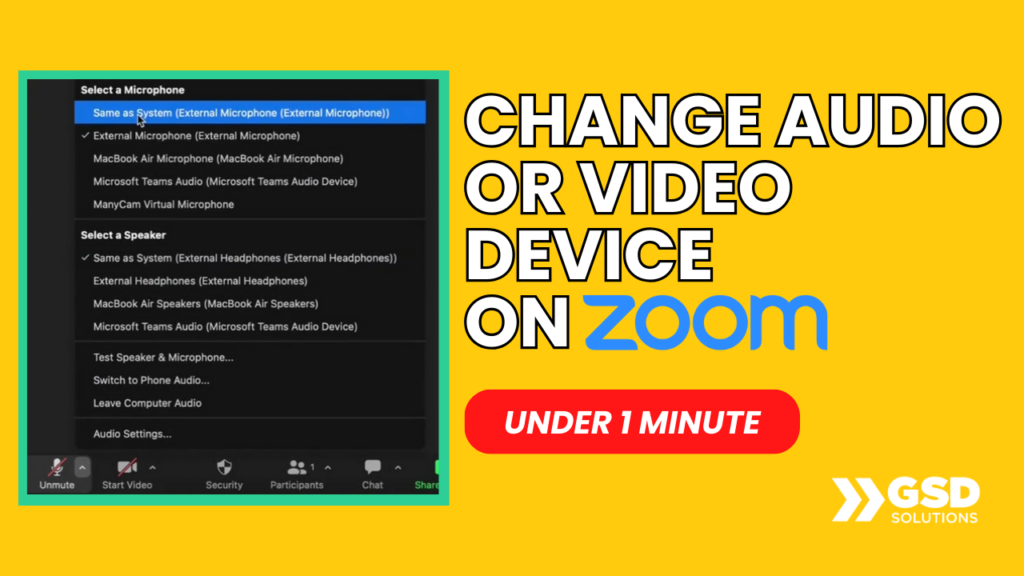
https://youtu.be/7EnhoHKjnMQ Learn how to CHANGE your Video OR Audio device on Zoom in under 1 minute by watching this video. AUDIO: At the bottom left, click on VIDEO: At the bottom left, click the arrow pointing above and choose And you’re done! Pretty easy, huh? That’s how tech feels with a specialized support team just […]
How to Add Facebook page Admin / Editor 2024 | Learn in 1 Minute

https://youtu.be/_U_PuOHpGlU Learn how to add editors in your Facebook Business page quickly. 1. Open your Facebook page 2. Click on “Professional Dashbord on the left” 3. Scroll down until “Page Acess” and click that 4. Click on “Add New” next to “People with Facebook Access” 5. Hit “Next” 6. Search for the person and click […]
How to Delete your Instagram Account 2024 | Ultimate Guide for Beginners (Quick & Easy!)
https://youtu.be/_uty7zwtiZ0 Learn how to delete your Instagram account in 2 minutes by watching this video! Here’s a step-by-step guide: 1. Access this link on the web: https://www.instagram.com/accounts/remove/request/permanent/ 2. Choose an option from the drop-down menu (it can be anything!) 3. Type your account password 4. Hit the delete button at the bottom (Instagram will delete […]
How to Create a Facebook Business Page Cover Photo | 1 Minute Tutorial

https://youtu.be/wu4raOr3fUc Learn how to update your Facebook Business Page cover photo. LINK TO OUR COVER TEMPLATE: https://www.canva.com/design/DAGDPsO-Ls4/ZCr9kWXlfvAX_5gwhKV6zA/view?utm_content=DAGDPsO-Ls4&utm_campaign=designshare&utm_medium=link&utm_source=publishsharelink&mode=preview 1. Download your graphic (you can use the template above) 2. On your page’s dashboard 3. Click on “Add cover photo” 4. Click on “Upload photo” 5. Drag to reposition if necessary 6. Click on “Save changes” And […]
How to Record and Capture Screen on Mac | 2 Minutes | For Beginners 💻

https://youtu.be/yzWOHuurMkw In this video, we’ll go over how to Record and Capture your Screen on your Mac device (Macbook, iMac, etc). Here are the steps: 1) TO CAPTURE SCREEN – Click on Command + Shift + 4. After that, select the portion of your screen you wish to take the screenshot of. 2) TO RECORD […]
How to Change Facebook Business Page Name 2024 | 1 Minute Tutorial

https://youtu.be/pq2JUzkLQS0 Here’s how to change the name of your Facebook Business page: 1. Go to your page 2. Click on “Settings” on the left menu 3. Scroll down until “Audience and Visibility” 4. Click on “Page Setup” 5. Next to “Name”, click on “View 6. Click on “Edit” next to Name **You are not allowed […]
How to Disconnect Google Third Party Login | A Guide for Beginners | In 1 Minute
https://youtu.be/KC6v-dgdguU In this video, you’ll learn how to disconnect Third Party Login from Google. Here are the steps followed in the video: 1) Go to https://myaccount.google.com/connections 2) Click on the app you wish to disconnect, then “See Details” 3) Click “Stop using Sign in with Google” Don’t forget to update the selected service with an […]
Connect your Facebook Page to Instagram | Learn in 1 Minute

https://youtu.be/xh7ZaiKreg8 How do you connect your Facebook business page to your Instagram business page? 1. Inside your page, click on “Settings” on the left 2. Scroll down to “Permissions” and click “Linked Accounts” 3. Click on “View” 4. Click “Connect account” 5. Log your Instagram account, and you’re done ✅ Learn more about how GSD […]
HOW TO ACTIVATE & USE ZOOM AI Companion [FULL Tutorial 2023] 💻
https://youtu.be/l_-unkvLf48 Zoom has recently launched its AI Companion. Let its AI take notes, summarize, and search for you during the meetings. In this video, we’ll go over exactly how you can activate Zoom AI Companion and how it works. LINK mentioned in the video: https://zoom.us/account/setting Got any questions? Comment on this video. ► We help […]
How to Activate Zoom AI Summary | NEVER Take Meeting Notes Again | 1 Minute
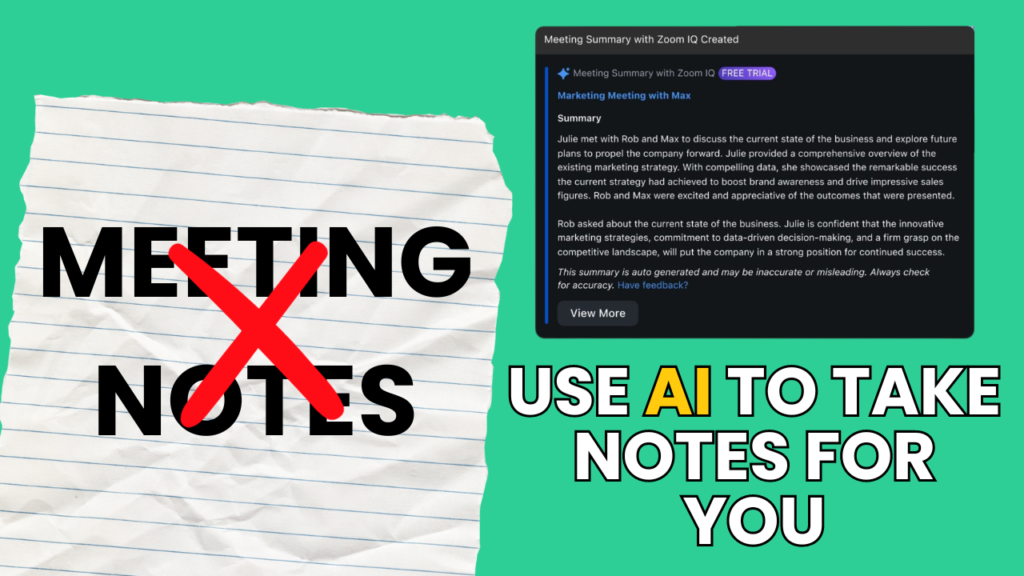
https://youtu.be/t5M9MbHvMUE In this video, you’ll learn how to activate the Zoom AI Summary feature in ALL your Zoom Meetings. Here’s how: 1. Go to https://zoom.us/ and log into your account 2. On the left side, click “Settings” 3. Click on “AI Companion” 4. Check the “automatically start Meeting Summary for all meetings I host” box […]