
How to schedule YouTube shorts on Desktop and Phone
https://youtu.be/-L2fSDuL60M Never miss a posting window again! Schedule your YouTube Shorts like a pro! Tired of scrambling to post your Shorts on time? This video reveals the secret to scheduling your Shorts on BOTH desktop and mobile, giving you the freedom to create and post whenever inspiration strikes! 0:51 for Mobile tutorial. What you’ll learn: […]
How to Activate & Use Zoom Interpretation | A Guide for Beginners | 2023 Updated 💻
https://youtu.be/nI9MTlpnhVk In this video, we’ll go over activating Interpretation inside of Zoom! You can do different languages and sign languages. 1. Go to https://zoom.us/ then “My Account” 2. On the left menu, click “Settings” 3. Search for “Interpretation” 4. Make sure the options are all turned on 5. (optional) Add other languages not listed 6. […]
How to Add Your LinkedIn Event on Streamyard | Guide for Small Business 2024
https://youtu.be/NityLBunhBk Sign up to streamyard using my code to get $10 credit added to your account https://streamyard.com/pal/5355676283699200 Leave a like if this was helpful! Below you’ll find a step by step guide. 1. Scroll down until “Events” on the left menu and click the “+” button 2. Upload a cover image and hit “Apply” 3. […]
How to Activate Zoom Background | Guide for Small Business | 2023 Updated
https://youtu.be/Hk3oPgcl_aI In this video, we’ll go over activating Zoom background in your account settings. 1. Go to https://zoom.us/ then click on “My Account” 2. Click on “Settings” on the left menu 3. Search for “Virtual Background” 4. Make sure to activate the feature 5. If you wish, you can also click “Manage 5 virtual background(s)” […]
How to Create & Use Customization on Streamyard | Full Guide for Beginners
https://youtu.be/V9UnMIjP9gQ DOWNLOAD OUR CUSTOM TEMPLATES: https://gsdsolutions-14520857.hs-sites.com/deals-0 GET YOUR STREAMYARD ACCOUNT FOR FREE: https://streamyard.com/pal/d/5355676283699200 Here are the steps explained in the video: 1) Find the link in the description and copy the template 2) Go to the type of template you want to create 3) Customize the template by including your brand 4) Remove the black […]
How To Turn on Live Streaming on Zoom for Small Business 2024 | A Guide for Beginners
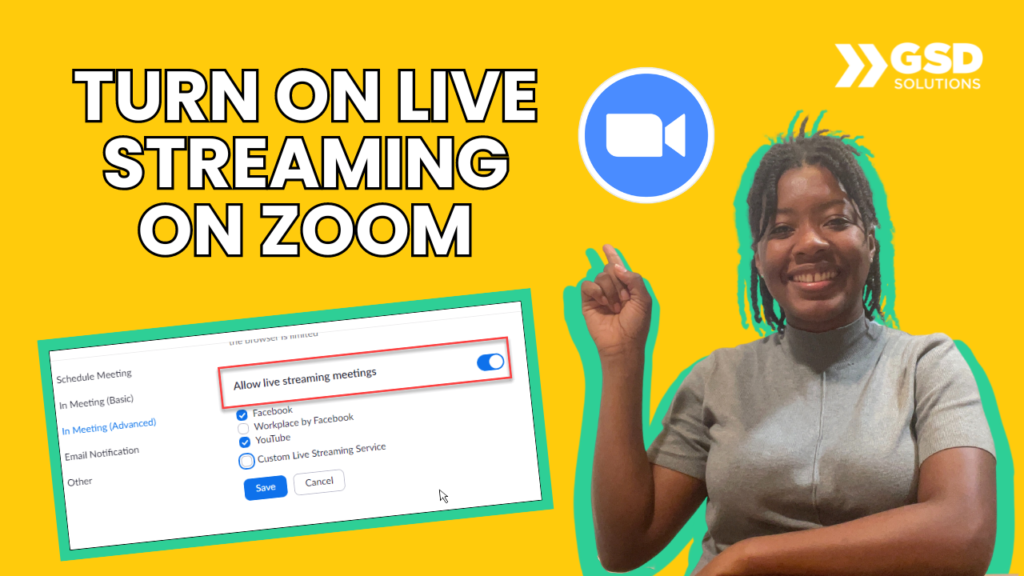
https://youtu.be/5jaLNgMbLGU How to activate live streaming from Zoom to 1. Go to https://zoom.us/ and get into your account 2. On the left menu, click “Settings” 3. Search for “Live stream” 4. (SCROLL DOWN IF YOU WANT LIVE FROM MEETINGS) Check all boxes to allow live stream Here’s our tutorial on how the live works: https://youtu.be/nJuieaBnM5I […]
How to Create Custom Backgrounds for Your Livestream | 3 Minute Full Guide
https://youtu.be/qU8d2BT_-O8 DOWNLOAD OUR CUSTOM TEMPLATES: https://streamyard.com/pal/d/5355676283699200 Learn more about how GSD Solutions can help your business scale up HERE: https://a.devdom.site/letstalk/ Request a tutorial here: https://forms.clickup.com/2371873/f/28c91-3977/MBFOKJH6YB9QWE0V5U Follow/connect with us: LinkedIn: https://www.linkedin.com/company/gsdsolutionsinc Facebook: https://www.facebook.com/gsdsolutionsinc Instagram: https://www.instagram.com/gsdsolutionsinc Twitter: https://twitter.com/gsdsolutionsinc Give this video a thumbs up if this tutorial for small business helped you 👍 Thanks for watching […]
How to Stream to Facebook from Zoom | Tutorial for Beginners | 3 Minutes
https://youtu.be/v0bZ0mjCfmo Learn how to go live on Facebook from a Zoom meeting in this 3-minute video! BEFORE you start, turn the live streaming settings in the backend of Zoom by watching this tutorial: https://youtu.be/5jaLNgMbLGU 1. Go to “More” at the bottom 2. Click on “Live on Facebook” 3. Grant Facebook permission 4. Fill in your […]
How to Transfer Google Form Ownership (Any Email Domain) | 2024 Updated
https://youtu.be/shLkSVpW7So Learn how to transfer ownership of a Google Form to anyone (even if their email has a different domain). On you (the form’s owner) side, do this: 1. Click the 3 Dots in the upper right corner 2. Search for that person’s name and add them as an “editor” On the new editor’s side, […]
How to Go Live on YouTube via Zoom | A Guide for Beginners 💻
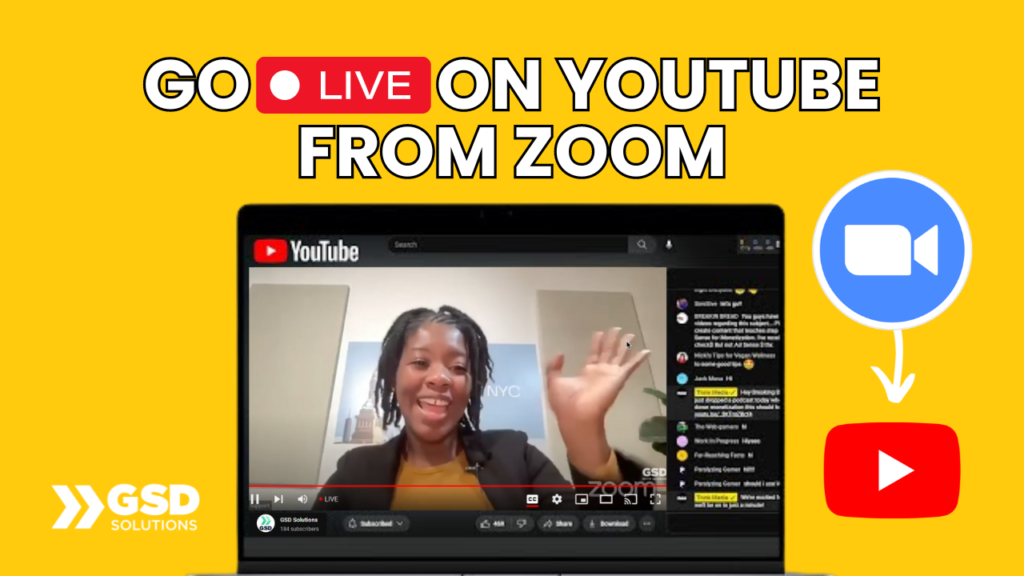
https://youtu.be/Bzhw1gK1CRA In this video, you’ll learn how to go live on YouTube from a Zoom meeting in 2 minutes! 1. Activate Zoom settings for live stream here: https://youtu.be/5jaLNgMbLGU 2. Click “More” on the bottom right 3. Select “Live on YouTube” 4. Select your YouTube Account 5. Grant Zoom permission and fill in your live stream […]