
How to Create a Facebook Business Page 2024 | 2024 Updated | Learn in 1 Minute

https://youtu.be/0o7rsmSeHm4 In this quick video, you’ll learn how to create a Facebook Business Page LINK TO COVER TEMPLATE: https://www.canva.com/design/DAGDPsO-Ls4/ZCr9kWXlfvAX_5gwhKV6zA/view?utm_content=DAGDPsO-Ls4&utm_campaign=designshare&utm_medium=link&utm_source=publishsharelink&mode=preview 1. Log into your Facebook account 2. Click on “Pages” on the left (look for the orange icon) 3. Click on “+Create New Page” 4. Fill the initial details, such as page name, category, and a […]
How to Enable Your Webcam and Mic Permissions in Google Chrome
When inside of the Google Chrome browser, select the three dots at the far right. Head over to settings (the second to last option in the menu.) Once inside of settings, select “Privacy and security.” In “Privacy and security” the second option “Site Settings” is what you want to hit. Scroll down to view the […]
How to Edit Your Zoom Settings
To edit your settings in Zoom eg. turning on your video, click on the little settings icon in the top right corner. General Settings: Some of the settings that you can change are: Enabling full screen when using dual monitors, confirmation when leaving a meeting, and adding Zoom to your menu bar. Using system settings, […]
How to Turn on Virtual Backgrounds in Zoom Settings
To set up virtual backgrounds on Zoom, log into your Zoom account using a web browser, rather than the installed Zoom app. Once inside of your account, head over to settings. (The fifth option under the “Personal” section.) Select “In Meeting (Advanced)”, then toggle the “Virtual Background” option on (the eighth option down) to allow […]
How to Use a Virtual Background in Zoom
If you want to upload a virtual background while in a Zoom meeting, Select the video settings (accessed by hitting the caret beside the video icon.) Then, you want to choose a virtual background, assuming that you have the virtual background feature on. How to Turn on Virtual Backgrounds in Zoom Settings. You want to […]
How to Create a Virtual Background for Zoom
Canva is one of my favorite platforms to create online designs quick and on the fly. I know how to use the whole Adobe Suite, but this is the best place. Canva has templates to create a Zoom Virtual Background. Once you’ve created an account and logged in, type in “Zoom Virtual Background” in the […]
How to go LIVE on LinkedIn via Zoom
https://youtu.be/99vaaiuOrGQ In this video, we teach you how to go live on LinkedIn using Zoom – quick and easy! 1 – Go to zoom.us 2- Go to settings on the left side 3 – Press Ctrl + F and type “streaming” 4 – Make sure to allow livestreaming of meetings 5 – Select Custom Live […]
How to Use Virtual Backgrounds on Zoom to Market Your Business
In my previous video in the 90 Day Youtube Challenge, we were playing with the design we created in Canva. Now we’re going to create a branded step and repeat background for our business using this virtual background feature and Canva. Upload your logo inside of Canva. Turn your logo at a 45° angle. Select […]
How to Set Up a Zoom Meeting in 2023
https://youtu.be/iktX51ToT4A In this video, you’ll learn ALL the details on how to set up a Zoom meeting [2023 updated]. Watch as Georgie-Ann Getton gives you a real walkthrough of the Zoom meeting creation process. ⬇️⬇️⬇️⬇️⬇️ 1) Go to zoom.us 2) Sign in your account 3) Click on “Schedule” 4) Add the topic of your meeting […]
How to Turn on Youtube and Facebook Live Streaming in Zoom Settings
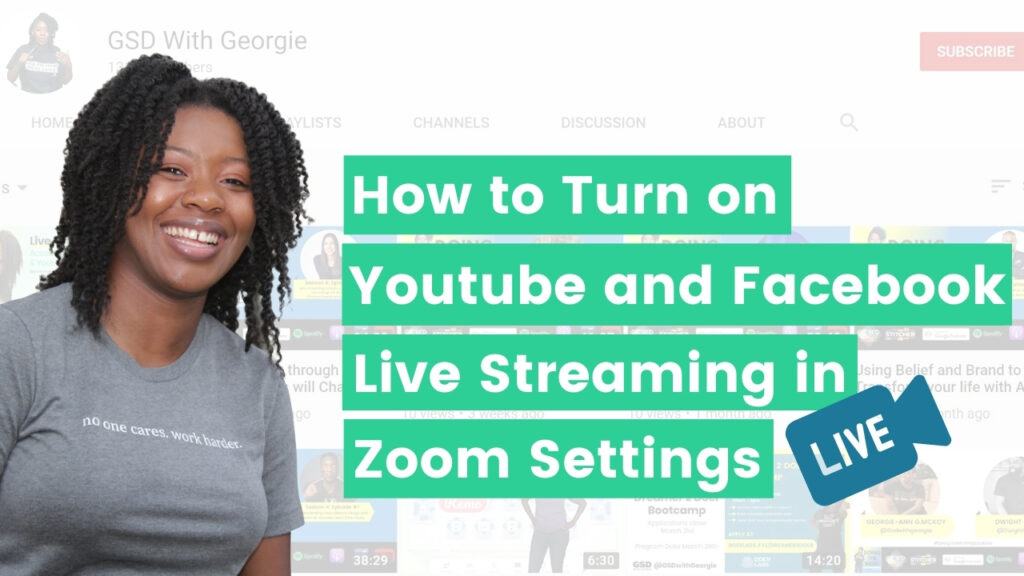
In this tutorial, we’ll be talking about how to set up and connect your Zoom, so that way you have the ability to go live on Facebook and YouTube. Go over to Zoom.us and log into your account. Once you’ve logged into your account, head on over to Settings at the far left. Inside of […]