
How to Edit Your Zoom Settings
To edit your settings in Zoom eg. turning on your video, click on the little settings icon in the top right corner. General Settings: Some of the settings that you can change are: Enabling full screen when using dual monitors, confirmation when leaving a meeting, and adding Zoom to your menu bar. Using system settings, […]
Zoom Events Platform Explainer & Review (Part 1)
Have you heard about Zoom Events? Not events on Zoom but the new platform from Zoom called Zoom Events? In this video Georgie-Ann Getton the CEO of GSD Solutions breaks down Zoom Events and its use cases. At GSD Solutions we are tech and virtual event experts! Visit us and lets Talk Virtual events https://a.devdom.site/letstalk […]
Edit Photos Using AI in Minutes | 2023 Updated
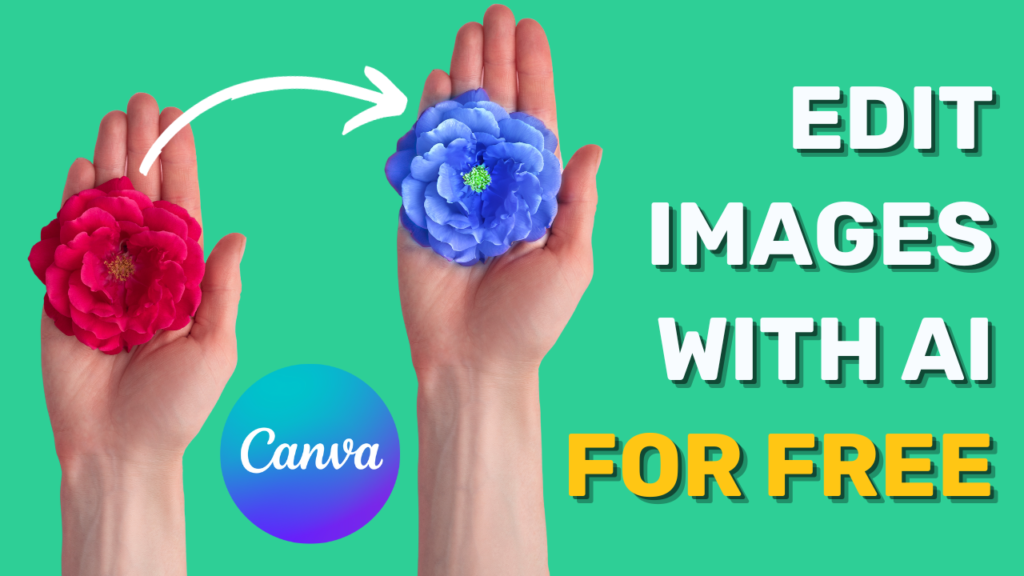
https://youtu.be/rVQIFKuExSg ► We help small and medium businesses scale using digital tools, reach out to us at https://a.devdom.site/letstalk If you don’t have a Canva account, get one here: https://canva.7eqqol.net/j0x1M 1) Go to canva.com (the initial page) 2) Open a design or create a new one 3) Select your element (photo, video, etc) and click on […]
How to Turn on Virtual Backgrounds in Zoom Settings
To set up virtual backgrounds on Zoom, log into your Zoom account using a web browser, rather than the installed Zoom app. Once inside of your account, head over to settings. (The fifth option under the “Personal” section.) Select “In Meeting (Advanced)”, then toggle the “Virtual Background” option on (the eighth option down) to allow […]
Zoom Events Platform Explainer (Part 2)
Have you heard about Zoom Events? Not events on Zoom but the new platform from Zoom called Zoom Events? In this video Georgie-Ann Getton, the CEO of GSD Solutions breaks down Zoom Events and its use cases. At GSD Solutions we are tech and virtual event experts! Visit us and let’s Talk Virtual events https://a.devdom.site/letstalk […]
Are you struggling to stay consistent with your content? I have some help for you!
https://youtu.be/0tu-M5yT78Q Cue My Content created by GSD Solutions is a Social Media First Service that edits and distributes your content for you! How it Works YOU RECORD YOUR CONTENT Our team collects your pre-recorded videos and photos as is. Simply upload them into our system and we take it from there. WE EDIT THE CONTENT […]
How to Use a Virtual Background in Zoom
If you want to upload a virtual background while in a Zoom meeting, Select the video settings (accessed by hitting the caret beside the video icon.) Then, you want to choose a virtual background, assuming that you have the virtual background feature on. How to Turn on Virtual Backgrounds in Zoom Settings. You want to […]
How we handled our most complex virtual event!
In the first of our six-part case study series, CEO Georgie-Ann Getton details some of our most monumental challenges we’ve encountered within a single event: A staff of 20+ people, 4,000 RSVPs, and over 50 sessions over multiple days. How did we manage all of these moving pieces to come out with a successful event? […]
How to Create a Virtual Background for Zoom
Canva is one of my favorite platforms to create online designs quick and on the fly. I know how to use the whole Adobe Suite, but this is the best place. Canva has templates to create a Zoom Virtual Background. Once you’ve created an account and logged in, type in “Zoom Virtual Background” in the […]
Support for Event Organizers Everywhere ! Done for You by GSD Solutions
During the past 2 years as the event industry evolved, event organizers were overworked, overwhelmed, and overlooked. Its time for that to change! GSD Solutions has conducted hundreds of hours of research and work supporting event organizers and its clear to us what they need in order to plan and produce a successful virtual event. […]