
How to Change Audio or Video Device on Zoom | Tutorial for Small Businesses 2024
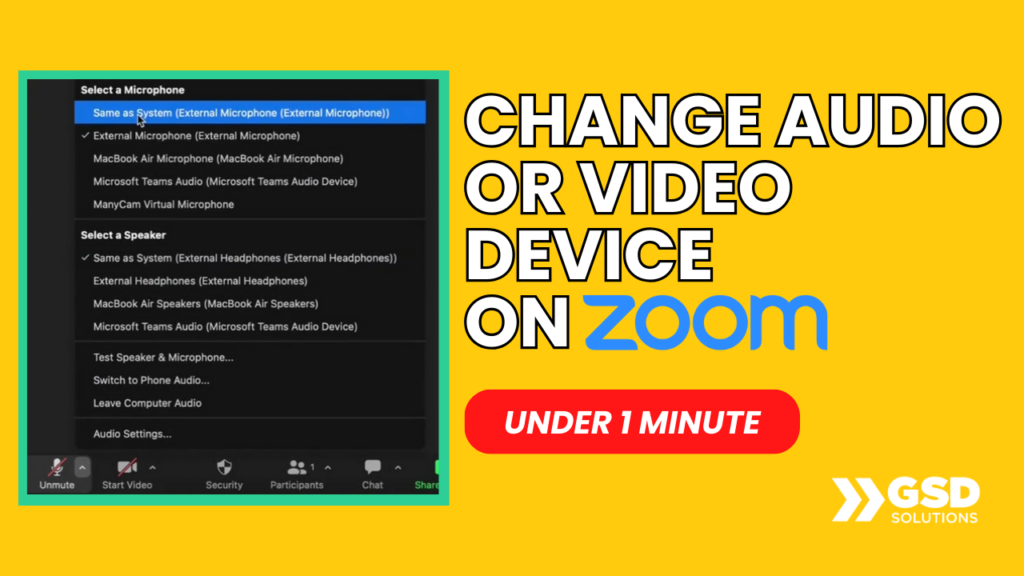
https://youtu.be/7EnhoHKjnMQ Learn how to CHANGE your Video OR Audio device on Zoom in under 1 minute by watching this video. AUDIO: At the bottom left, click on VIDEO: At the bottom left, click the arrow pointing above and choose And you’re done! Pretty easy, huh? That’s how tech feels with a specialized support team just […]
How to Transfer Google Form Ownership (Any Email Domain) | 2024 Updated
https://youtu.be/shLkSVpW7So Learn how to transfer ownership of a Google Form to anyone (even if their email has a different domain). On you (the form’s owner) side, do this: 1. Click the 3 Dots in the upper right corner 2. Search for that person’s name and add them as an “editor” On the new editor’s side, […]
How to Create Custom Backgrounds for Your Livestream | 3 Minute Full Guide
https://youtu.be/qU8d2BT_-O8 DOWNLOAD OUR CUSTOM TEMPLATES: https://streamyard.com/pal/d/5355676283699200 Learn more about how GSD Solutions can help your business scale up HERE: https://a.devdom.site/letstalk/ Request a tutorial here: https://forms.clickup.com/2371873/f/28c91-3977/MBFOKJH6YB9QWE0V5U Follow/connect with us: LinkedIn: https://www.linkedin.com/company/gsdsolutionsinc Facebook: https://www.facebook.com/gsdsolutionsinc Instagram: https://www.instagram.com/gsdsolutionsinc Twitter: https://twitter.com/gsdsolutionsinc Give this video a thumbs up if this tutorial for small business helped you 👍 Thanks for watching […]
How to Delete your Instagram Account 2024 | Ultimate Guide for Beginners (Quick & Easy!)
https://youtu.be/_uty7zwtiZ0 Learn how to delete your Instagram account in 2 minutes by watching this video! Here’s a step-by-step guide: 1. Access this link on the web: https://www.instagram.com/accounts/remove/request/permanent/ 2. Choose an option from the drop-down menu (it can be anything!) 3. Type your account password 4. Hit the delete button at the bottom (Instagram will delete […]
How to Record and Capture Screen on Mac | 2 Minutes | For Beginners 💻
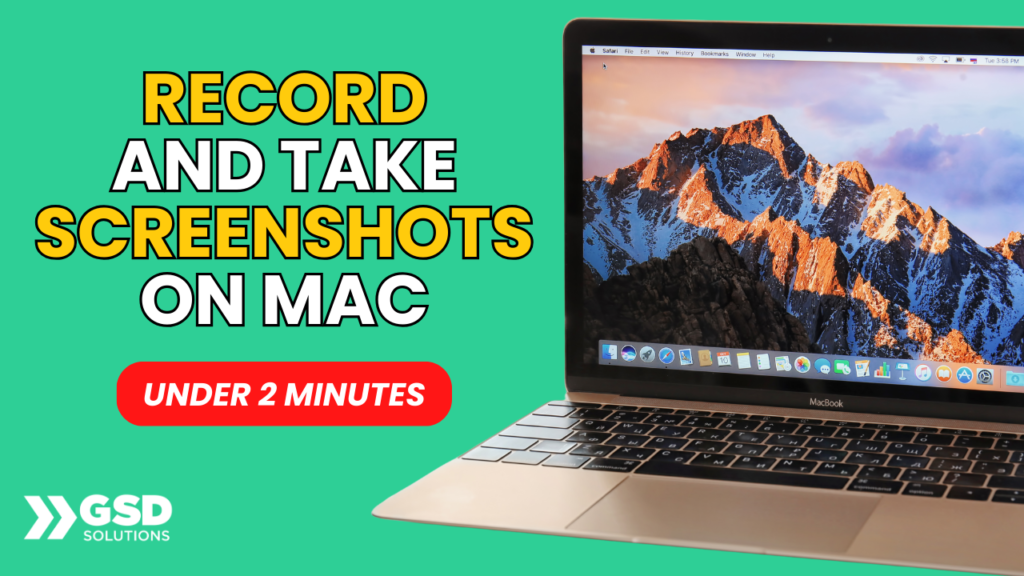
https://youtu.be/yzWOHuurMkw In this video, we’ll go over how to Record and Capture your Screen on your Mac device (Macbook, iMac, etc). Here are the steps: 1) TO CAPTURE SCREEN – Click on Command + Shift + 4. After that, select the portion of your screen you wish to take the screenshot of. 2) TO RECORD […]
See your LinkedIn Live Events Analytics in 5 minutes

https://youtu.be/_B0r0wHp46k In this video, you’ll learn ALL the details on how to see LinkedIn live event analytics [2023 updated]. Watch as Georgie-Ann Getton gives you an actual walkthrough of the process. Get GO FULL PAGE here: https://gofullpage.com/ This video is brought to you by GSD Solutions: ► If you’re ready to scale your business you’re […]
The Best Online Networking Platform You’ve Never Heard of
In 2018 when I started doing fully online events I was very skeptical about the events because I felt that online conferences wouldn’t offer the Peer to Peer networking that I had grown accustomed to through in person events. For me networking, community building, and small group discussions, were an essential part of events. […]
Multistreaming Tools
I have been live streaming for over the past four years, everything from Periscope to Facebook and YouTube Lives. There are a bunch of live streaming platforms out there, but my favorite way to stream is by using multistreaming tools. A multistreaming tool is a software that allows you to stream video content to multiple […]
How to Enable Your Webcam and Mic Permissions in Google Chrome
When inside of the Google Chrome browser, select the three dots at the far right. Head over to settings (the second to last option in the menu.) Once inside of settings, select “Privacy and security.” In “Privacy and security” the second option “Site Settings” is what you want to hit. Scroll down to view the […]
How to Edit Your Zoom Settings
To edit your settings in Zoom eg. turning on your video, click on the little settings icon in the top right corner. General Settings: Some of the settings that you can change are: Enabling full screen when using dual monitors, confirmation when leaving a meeting, and adding Zoom to your menu bar. Using system settings, […]