
How to Use TubeBuddy to Grow on YouTube in 2024 | Tutorial and Review
https://youtu.be/oHMpcpie7HI Sign up to TubeBuddy today! Use my link https://www.tubebuddy.com/pricing?a=georgie If you have less than 1k subscribers use coupon code “RisingStarBuddy” at checkout to get 50% off your subscription. In this video, I explain how TubeBuddy can help you grow your YouTube channel by providing keyword recommendations and comparing your channel analytics to others. I […]
How to Activate Zoom Background | Guide for Small Business | 2023 Updated
https://youtu.be/Hk3oPgcl_aI In this video, we’ll go over activating Zoom background in your account settings. 1. Go to https://zoom.us/ then click on “My Account” 2. Click on “Settings” on the left menu 3. Search for “Virtual Background” 4. Make sure to activate the feature 5. If you wish, you can also click “Manage 5 virtual background(s)” […]
How to Set up A Zapier Automation to Share YouTube Videos on Facebook
https://youtu.be/yYlktXn-gjE In this video, I demonstrate how to automate posting your YouTube videos directly to your Facebook business page using Zapier. I guide you through the setup process step by step, from connecting your YouTube account to creating a post on Facebook. Take action by following along to streamline your social media sharing process! Zapier […]
Create a ZOOM Landing Page in Minutes [2023 updated]
https://youtu.be/mSuxhsXe8Lg In this video, you’ll learn ALL the details on how to record your zoom meeting AND get that recording file. TEMPLATES LINK: bit.ly/gsdlandingpage23 1. Go to zoom us and log into your account 2. Go to “Meetings” on the left 3. Go to your meeting and hit “Edit” 4. Mark registration as REQUIRED 5. […]
How To Turn on Live Streaming on Zoom for Small Business 2024 | A Guide for Beginners
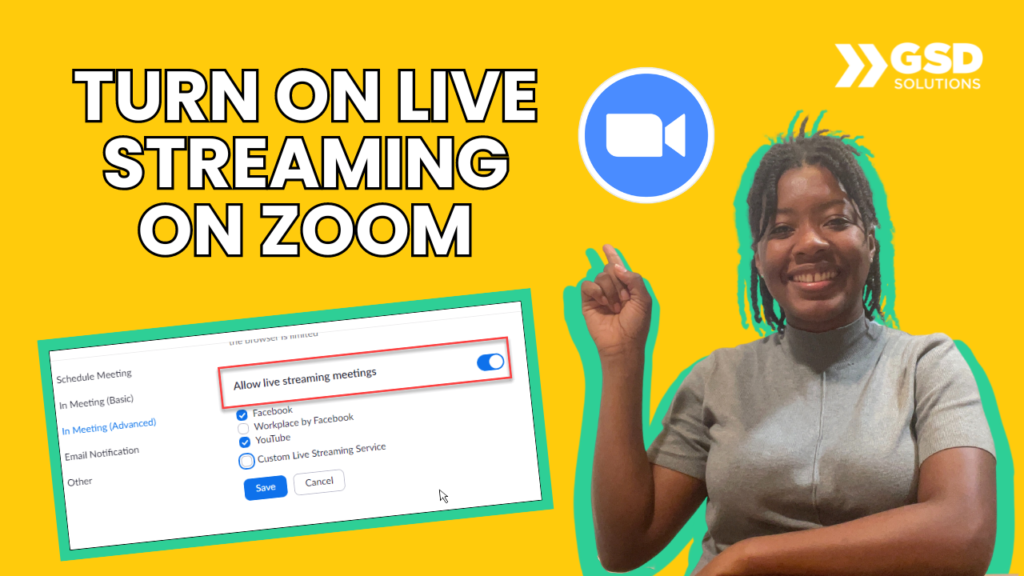
https://youtu.be/5jaLNgMbLGU How to activate live streaming from Zoom to 1. Go to https://zoom.us/ and get into your account 2. On the left menu, click “Settings” 3. Search for “Live stream” 4. (SCROLL DOWN IF YOU WANT LIVE FROM MEETINGS) Check all boxes to allow live stream Here’s our tutorial on how the live works: https://youtu.be/nJuieaBnM5I […]
How to schedule YouTube shorts on Desktop and Phone
https://youtu.be/-L2fSDuL60M Never miss a posting window again! Schedule your YouTube Shorts like a pro! Tired of scrambling to post your Shorts on time? This video reveals the secret to scheduling your Shorts on BOTH desktop and mobile, giving you the freedom to create and post whenever inspiration strikes! 0:51 for Mobile tutorial. What you’ll learn: […]
How to Stream to Facebook from Zoom | Tutorial for Beginners | 3 Minutes
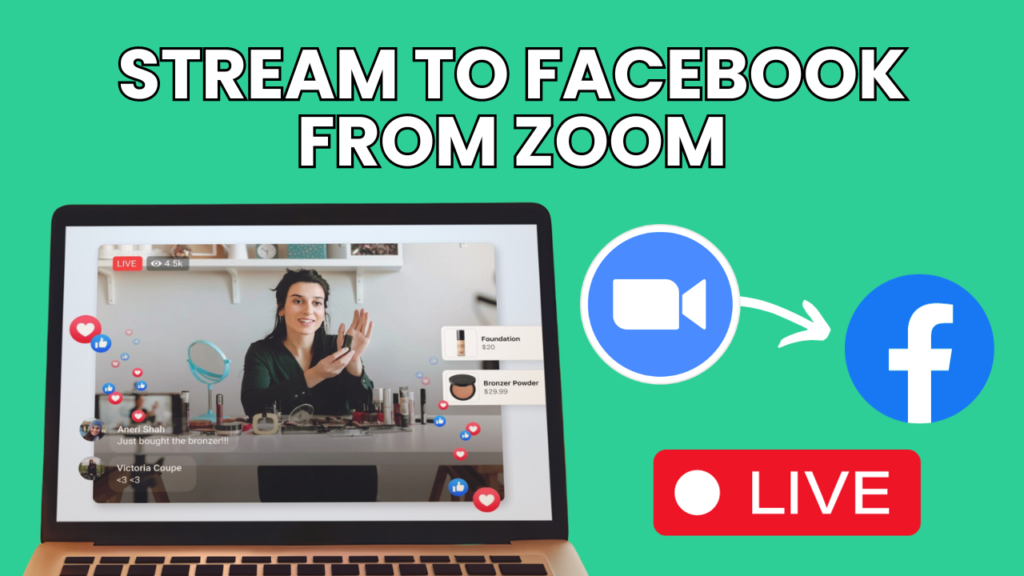
https://youtu.be/v0bZ0mjCfmo Learn how to go live on Facebook from a Zoom meeting in this 3-minute video! BEFORE you start, turn the live streaming settings in the backend of Zoom by watching this tutorial: https://youtu.be/5jaLNgMbLGU 1. Go to “More” at the bottom 2. Click on “Live on Facebook” 3. Grant Facebook permission 4. Fill in your […]
How to Add Your LinkedIn Event on Streamyard | Guide for Small Business 2024
https://youtu.be/NityLBunhBk Sign up to streamyard using my code to get $10 credit added to your account https://streamyard.com/pal/5355676283699200 Leave a like if this was helpful! Below you’ll find a step by step guide. 1. Scroll down until “Events” on the left menu and click the “+” button 2. Upload a cover image and hit “Apply” 3. […]
How to Go Live on YouTube via Zoom | A Guide for Beginners 💻
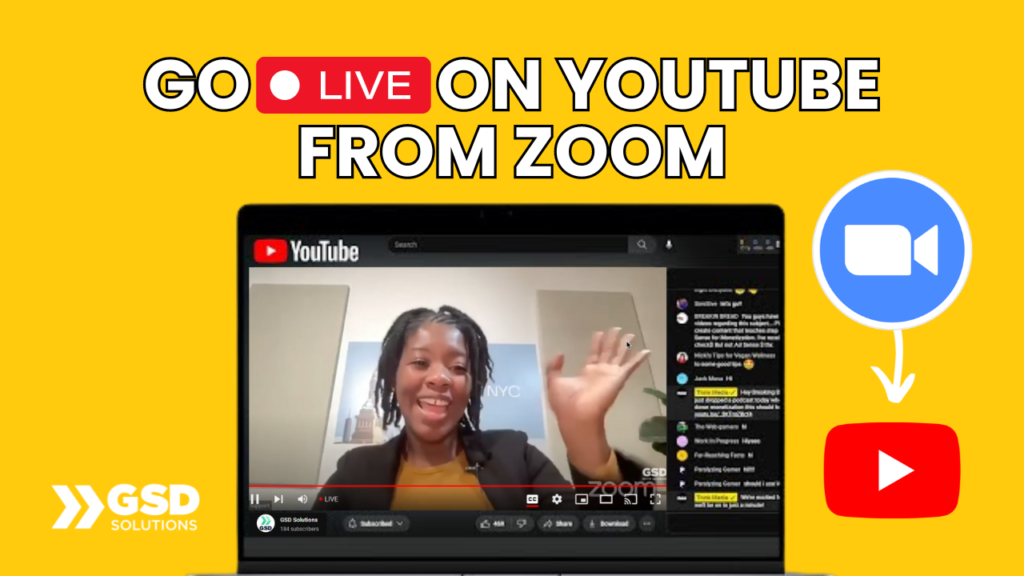
https://youtu.be/Bzhw1gK1CRA In this video, you’ll learn how to go live on YouTube from a Zoom meeting in 2 minutes! 1. Activate Zoom settings for live stream here: https://youtu.be/5jaLNgMbLGU 2. Click “More” on the bottom right 3. Select “Live on YouTube” 4. Select your YouTube Account 5. Grant Zoom permission and fill in your live stream […]
How to Create & Use Customization on Streamyard | Full Guide for Beginners
https://youtu.be/V9UnMIjP9gQ DOWNLOAD OUR CUSTOM TEMPLATES: https://gsdsolutions-14520857.hs-sites.com/deals-0 GET YOUR STREAMYARD ACCOUNT FOR FREE: https://streamyard.com/pal/d/5355676283699200 Here are the steps explained in the video: 1) Find the link in the description and copy the template 2) Go to the type of template you want to create 3) Customize the template by including your brand 4) Remove the black […]