
Turn a Video into a Livestream | A Guide for Beginners
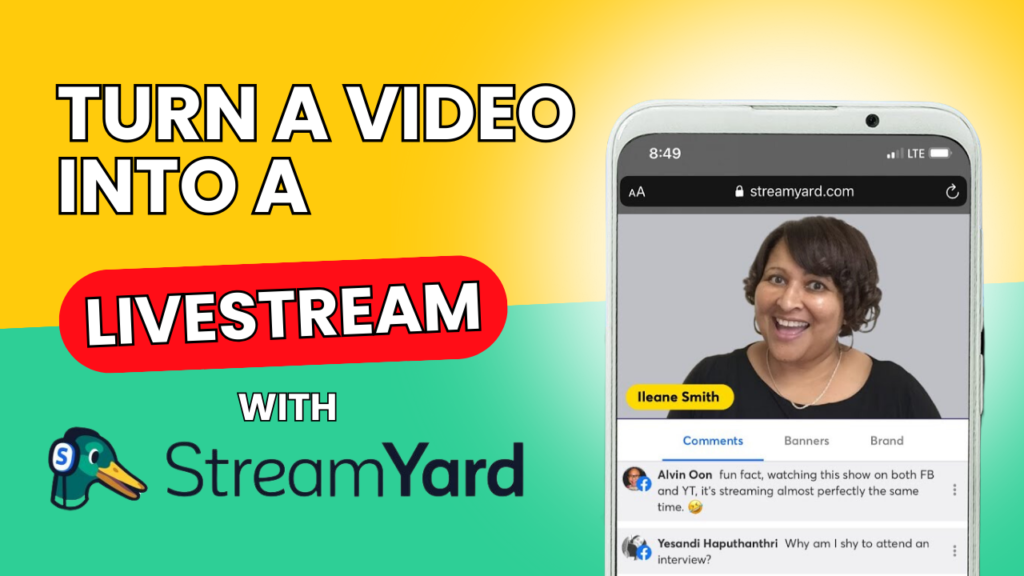
https://youtu.be/2rgkx2TJgp4 Livestreaming pre-recorded videos is a great way to engage your audience without the pressure of going live. Let’s walk through the steps of how to do it using Streamyard, one of the easiest tools on the market for live streaming and virtual events. > Watch this tutorial here Before You Go Live Log in […]
Introduction to Streamyard | 5 Minutes | How to Create Livestreams
Step-by-Step Explainer Here’s the guide we explained in the video: On Home, click “Create” Choose your livestream category To go live, select “Studio” Select the platforms you wish to live stream to Put a title and description for your live stream Click “Create live stream” Type your name and click on “Enter Studio” Hit “Go […]
How to Share Video on Zoom | A Guide for Beginners in 2 Minutes
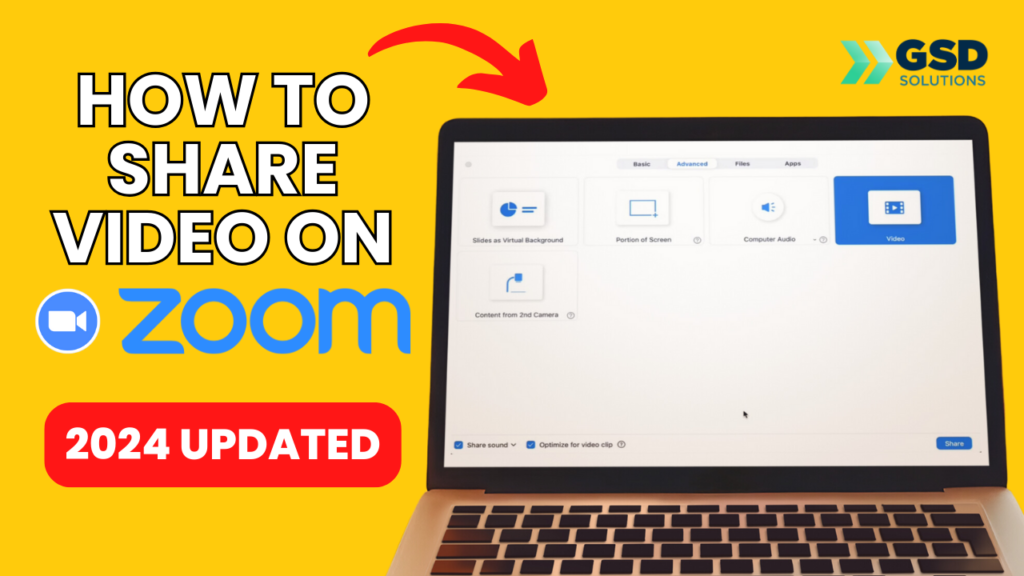
https://www.youtube.com/watch?v=OQlZKkZrkg8&t=1s Learn how to share your video in your next Zoom meeting! Here’s how: 1. Click “Share Screen”2. Go to “Advanced” and select “Video” 3. Click “Share” 4. Select your video And you’re DONE ✅ Learn more about how GSD Solutions can help your business scale up HERE: https://a.devdom.site/letstalk/ Follow/connect with us: LinkedIn: / gsdsolutionsinc Facebook: […]
How to Activate Zoom AI Summary | NEVER Take Meeting Notes Again | 1 Minute
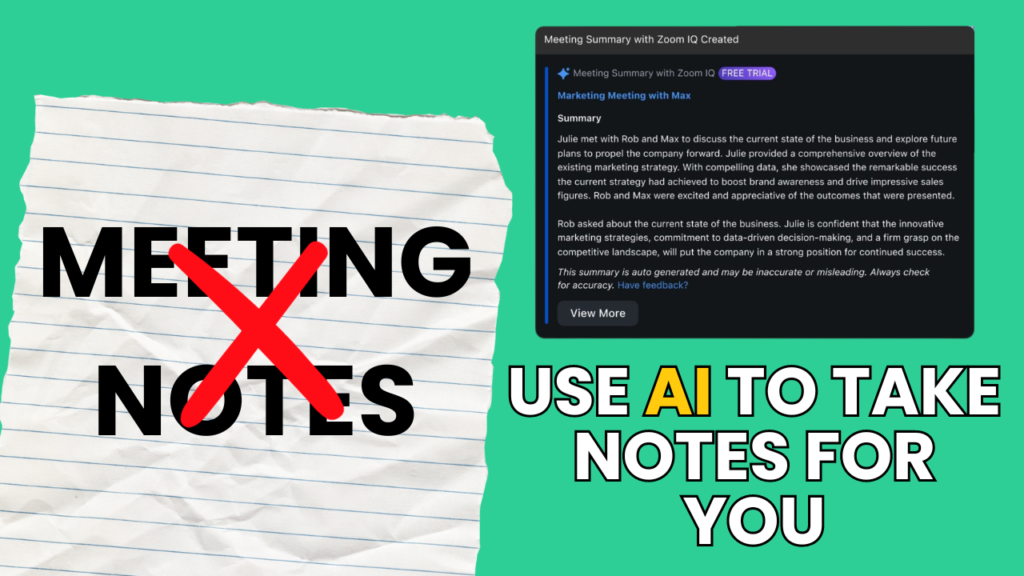
https://youtu.be/t5M9MbHvMUE In this video, you’ll learn how to activate the Zoom AI Summary feature in ALL your Zoom Meetings. Here’s how: 1. Go to https://zoom.us/ and log into your account 2. On the left side, click “Settings” 3. Click on “AI Companion” 4. Check the “automatically start Meeting Summary for all meetings I host” box […]
How to Disconnect Google Third Party Login | A Guide for Beginners | In 1 Minute
https://youtu.be/KC6v-dgdguU In this video, you’ll learn how to disconnect Third Party Login from Google. Here are the steps followed in the video: 1) Go to https://myaccount.google.com/connections 2) Click on the app you wish to disconnect, then “See Details” 3) Click “Stop using Sign in with Google” Don’t forget to update the selected service with an […]
How to Record and Capture Screen on Mac | 2 Minutes | For Beginners 💻
https://youtu.be/yzWOHuurMkw In this video, we’ll go over how to Record and Capture your Screen on your Mac device (Macbook, iMac, etc). Here are the steps: 1) TO CAPTURE SCREEN – Click on Command + Shift + 4. After that, select the portion of your screen you wish to take the screenshot of. 2) TO RECORD […]
How to Delete your Instagram Account 2024 | Ultimate Guide for Beginners (Quick & Easy!)
https://youtu.be/_uty7zwtiZ0 Learn how to delete your Instagram account in 2 minutes by watching this video! Here’s a step-by-step guide: 1. Access this link on the web: https://www.instagram.com/accounts/remove/request/permanent/ 2. Choose an option from the drop-down menu (it can be anything!) 3. Type your account password 4. Hit the delete button at the bottom (Instagram will delete […]
How to Change Audio or Video Device on Zoom | Tutorial for Small Businesses 2024
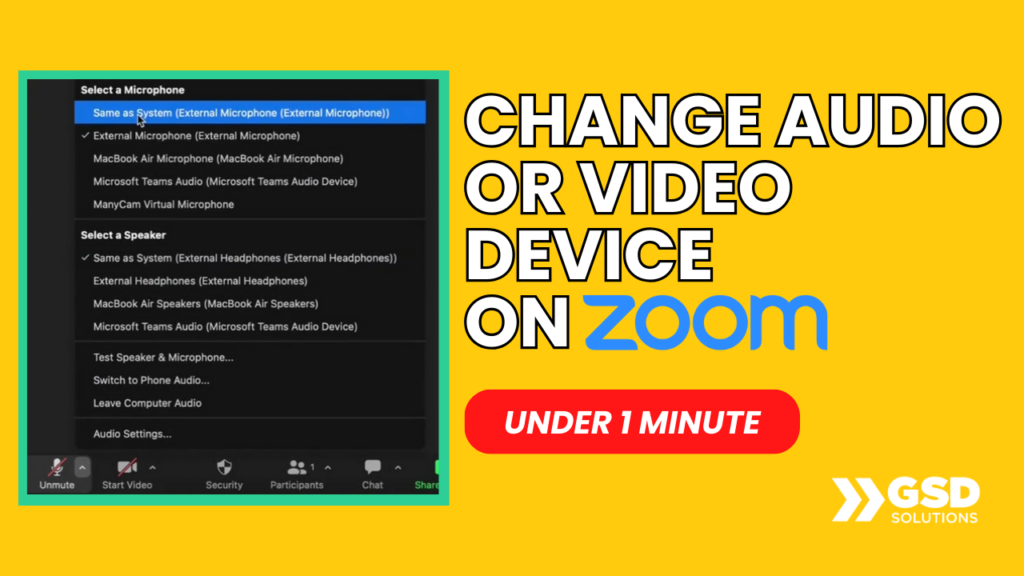
https://youtu.be/7EnhoHKjnMQ Learn how to CHANGE your Video OR Audio device on Zoom in under 1 minute by watching this video. AUDIO: At the bottom left, click on VIDEO: At the bottom left, click the arrow pointing above and choose And you’re done! Pretty easy, huh? That’s how tech feels with a specialized support team just […]
How to Go Live on YouTube via Zoom | A Guide for Beginners 💻
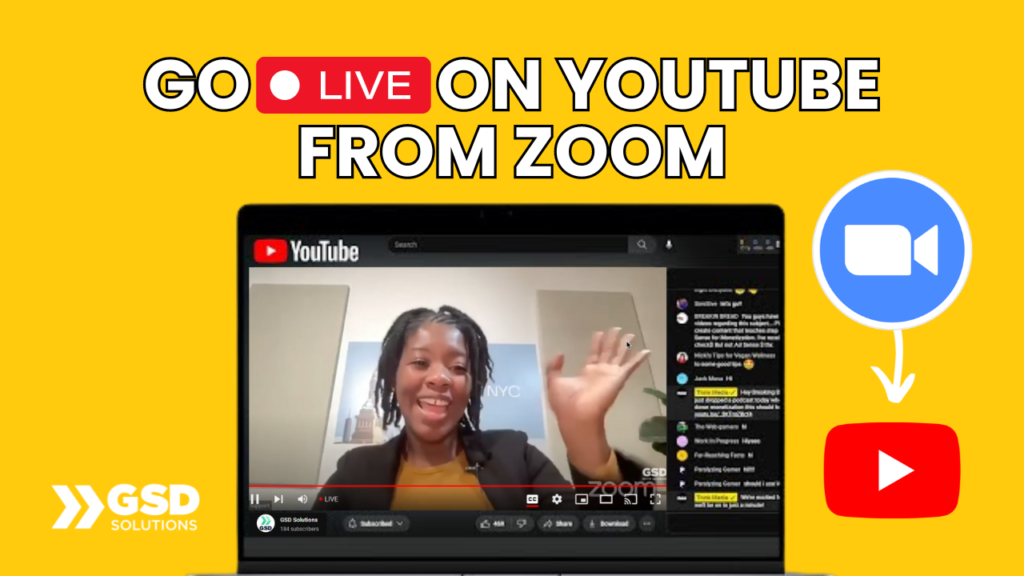
https://youtu.be/Bzhw1gK1CRA In this video, you’ll learn how to go live on YouTube from a Zoom meeting in 2 minutes! 1. Activate Zoom settings for live stream here: https://youtu.be/5jaLNgMbLGU 2. Click “More” on the bottom right 3. Select “Live on YouTube” 4. Select your YouTube Account 5. Grant Zoom permission and fill in your live stream […]
How to Stream to Facebook from Zoom | Tutorial for Beginners | 3 Minutes
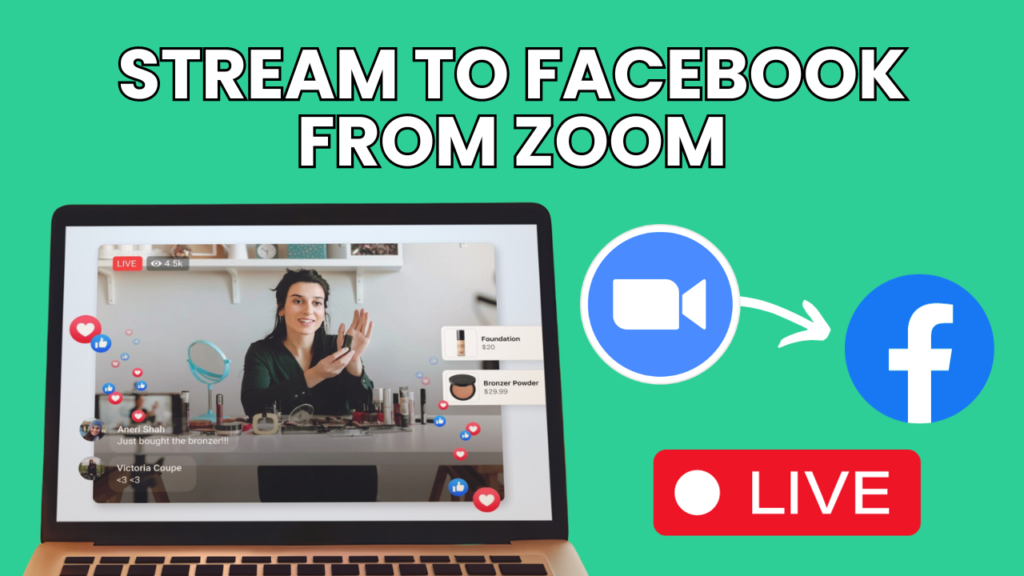
https://youtu.be/v0bZ0mjCfmo Learn how to go live on Facebook from a Zoom meeting in this 3-minute video! BEFORE you start, turn the live streaming settings in the backend of Zoom by watching this tutorial: https://youtu.be/5jaLNgMbLGU 1. Go to “More” at the bottom 2. Click on “Live on Facebook” 3. Grant Facebook permission 4. Fill in your […]