
Export ZOOM Analytics: Make Better Decisions [2023 updated]
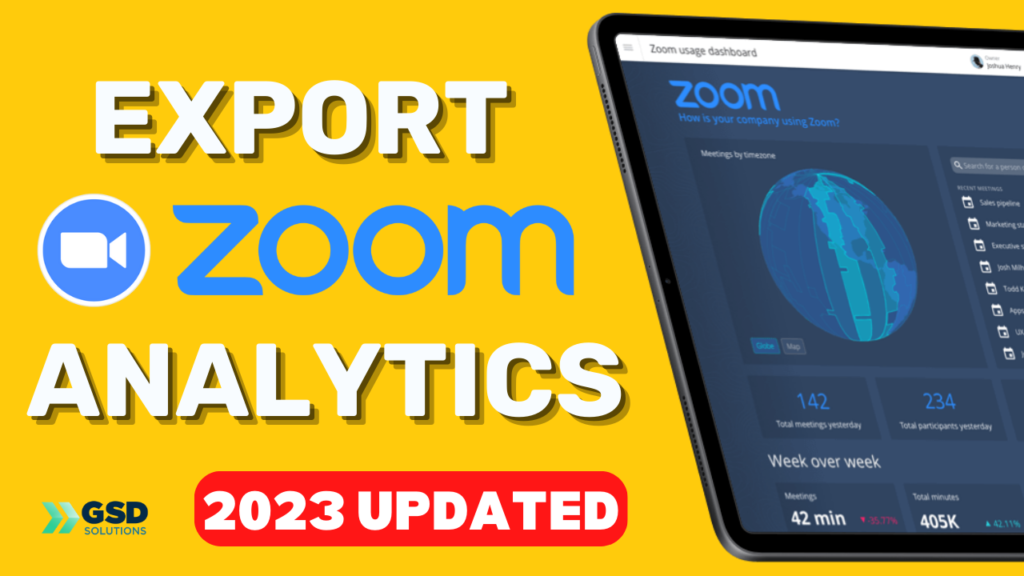
https://youtu.be/kE-6-JtQt98 In this video, you’ll learn ALL about exporting your reports (from anything!) of your Zoom meetings 1. Log into your account via Zoom.us 2. Go to “reports on the left” 3. Click on “Meeting” 4. Select the timeframe, the type of report and hit SEARCH 5. Click on “Generate” on the meeting you wish […]
How to Record AND Save the Recording on Zoom [2023 updated]
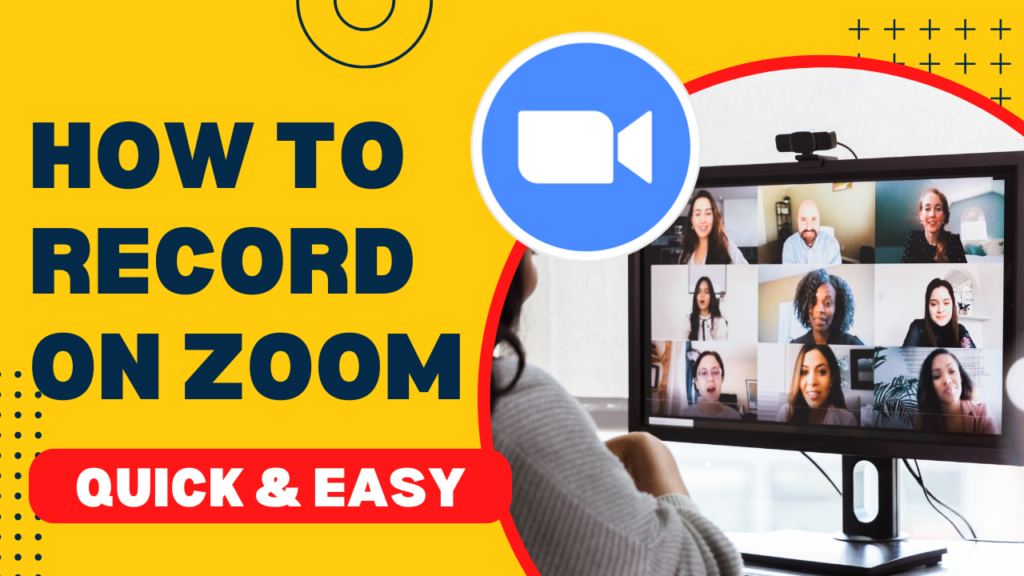
https://youtu.be/00KYpJj_YTI In this video, you’ll learn ALL the details on how to record your zoom meeting AND get that recording file. 1. Hit Record 2. Go to zoom.us after recording is finished 3. Click on “My Account” 4. Go to “Recordings” 5. Click on 3 dots, then “Download” 6. If you record on computer, choose […]
How to Launch your Zoom Poll during the Meeting [Part 2]
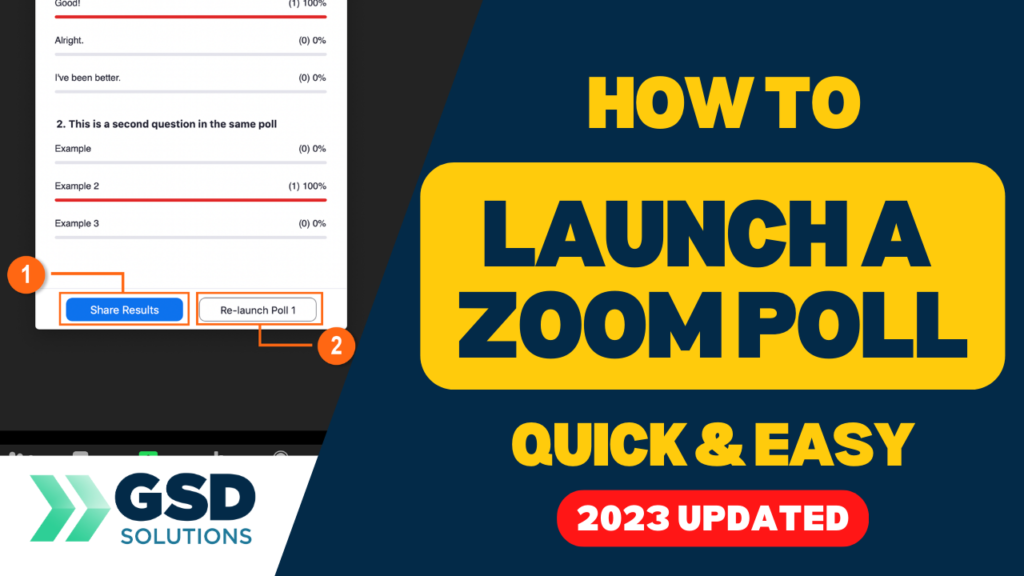
https://youtu.be/F07x8ZprHXo In this video, you’ll see how to conduct polls in a zoom meeting. Here are the steps: 1) Launch the zoom meeting 2) Click on Polls/Quizzes below 3) Choose your polls and click “launch” 4) After you’re done, hit “End Poll” PART 1 – creating the polls – ON THE COMMENTS! This video is […]
How to Create a Zoom Poll Before your Meeting
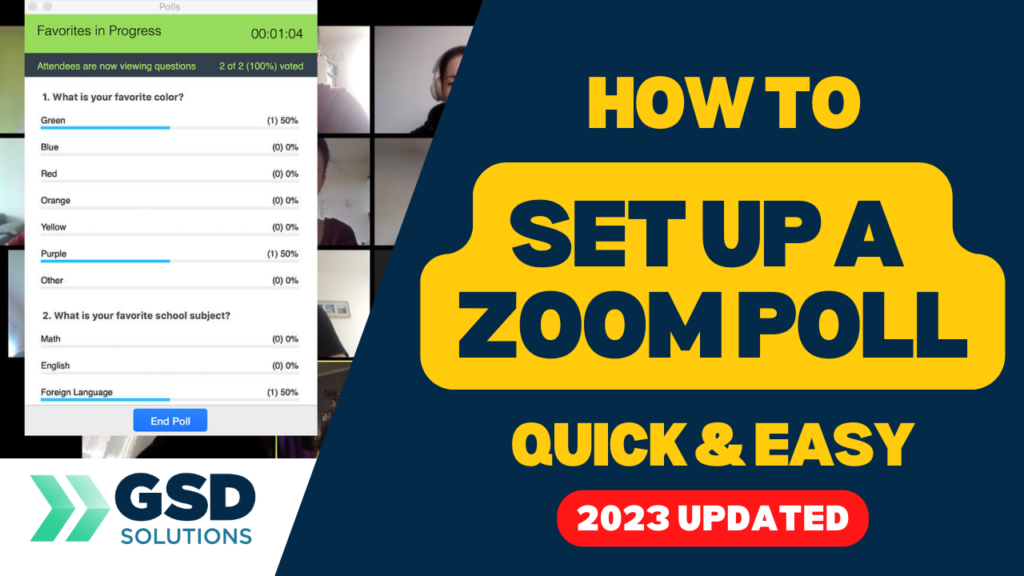
https://youtu.be/Khdqjsxlpx0 In this video, you’ll learn ALL the details on how to set up a Zoom poll for your meetings. You won’t need to create it live, watch as Georgie-Ann Getton set up a poll prior to the event and how you can do it too. Here are the steps: 1) Inside zoom.us/meeting, go to […]
How to Set Up a Zoom Meeting in 2023
https://youtu.be/iktX51ToT4A In this video, you’ll learn ALL the details on how to set up a Zoom meeting [2023 updated]. Watch as Georgie-Ann Getton gives you a real walkthrough of the Zoom meeting creation process. ⬇️⬇️⬇️⬇️⬇️ 1) Go to zoom.us 2) Sign in your account 3) Click on “Schedule” 4) Add the topic of your meeting […]
How to go LIVE on LinkedIn via Zoom
https://youtu.be/99vaaiuOrGQ In this video, we teach you how to go live on LinkedIn using Zoom – quick and easy! 1 – Go to zoom.us 2- Go to settings on the left side 3 – Press Ctrl + F and type “streaming” 4 – Make sure to allow livestreaming of meetings 5 – Select Custom Live […]
How to use design to amplify your virtual event | GSD Solutions Case Study
Using the Remo platform we are able to create custom maps and our team of designers love it! Design allows all participants from attendees to speakers to emerge into an experience that enables us to connect, learn, and interact together! At GSD Solutions we are tech and virtual event experts! Visit us and let’s Talk […]
How we executed our most entertaining and fun event | GSD Solutions Case Study
In late 2020 we produced one of our most exciting and fun event that was unforgettable! It was a company retreat where a team of 75+ was able to connect fully online. Want to add entertainment to your event? Check out the entertainment section of our Free Events Reimagined Guide https://a.devdom.site/product/events-reimagined-guide-2021/ At GSD Solutions we […]
What made this virtual event our most polished event! | GSD Solutions Case Study
Virtual events can be tricky when you are working with technology. When you produce an event that has very little to no glitches to deserves to be recognized! What made this event so polished? It was because of the synergy of the overall team. If you want to ensure your virtual event has a “dream […]
Support for Event Organizers Everywhere ! Done for You by GSD Solutions
During the past 2 years as the event industry evolved, event organizers were overworked, overwhelmed, and overlooked. Its time for that to change! GSD Solutions has conducted hundreds of hours of research and work supporting event organizers and its clear to us what they need in order to plan and produce a successful virtual event. […]